పరిచయం (Introduction)
మీ ఇంట్లో పాత Family Photos ఉన్నాయా? అవి Faded అయాయా, Scratches వచ్చాయా, లేదా పూర్తిగా Damaged గా మారాయా? అయితే మీరు Correct Article చదువుతున్నారు!
AI Photos Restore చేయడం ఇప్పుడు చాలా Easy అయింది — మీ Grandparents Wedding Photo, పాత Family Memories, పిల్లలుగా ఉన్నప్పటి Photos అన్నీ New లా చేయవచ్చు! Professional అవసరం లేదు, ఒక్క రూపాయి కూడా ఖర్చు అవ్వదు!
ఈ Article లో మనం నేర్చుకుంటాం:
- AI Photos Restore Free లో చేయడం ఎలా?
- Best Free Mobile Apps ఏవి?
- Best Free Website Tools ఏవి?
- Black & White Photos కి Color Add చేయడం ఎలా?
- Professional Quality Results Free గా తీసుకోవడం ఎలా?
చదవడం మొదలుపెట్టండి — మీ పాత Memories మళ్ళీ New లా Shine చేస్తాయి! ✨
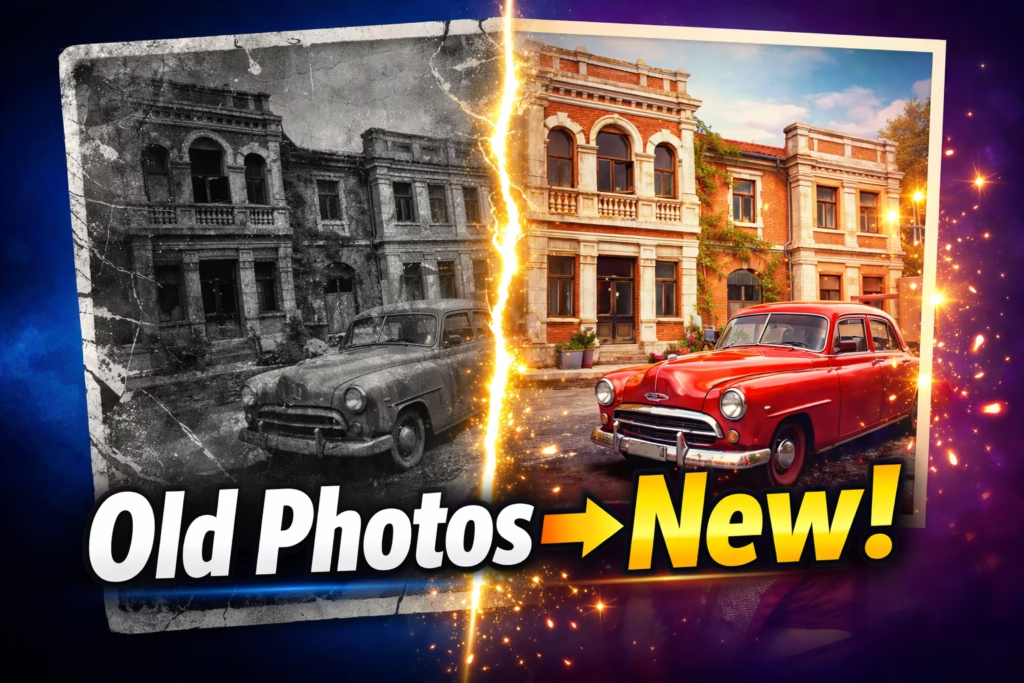
AI Photos Restore అంటే ఏమిటి?
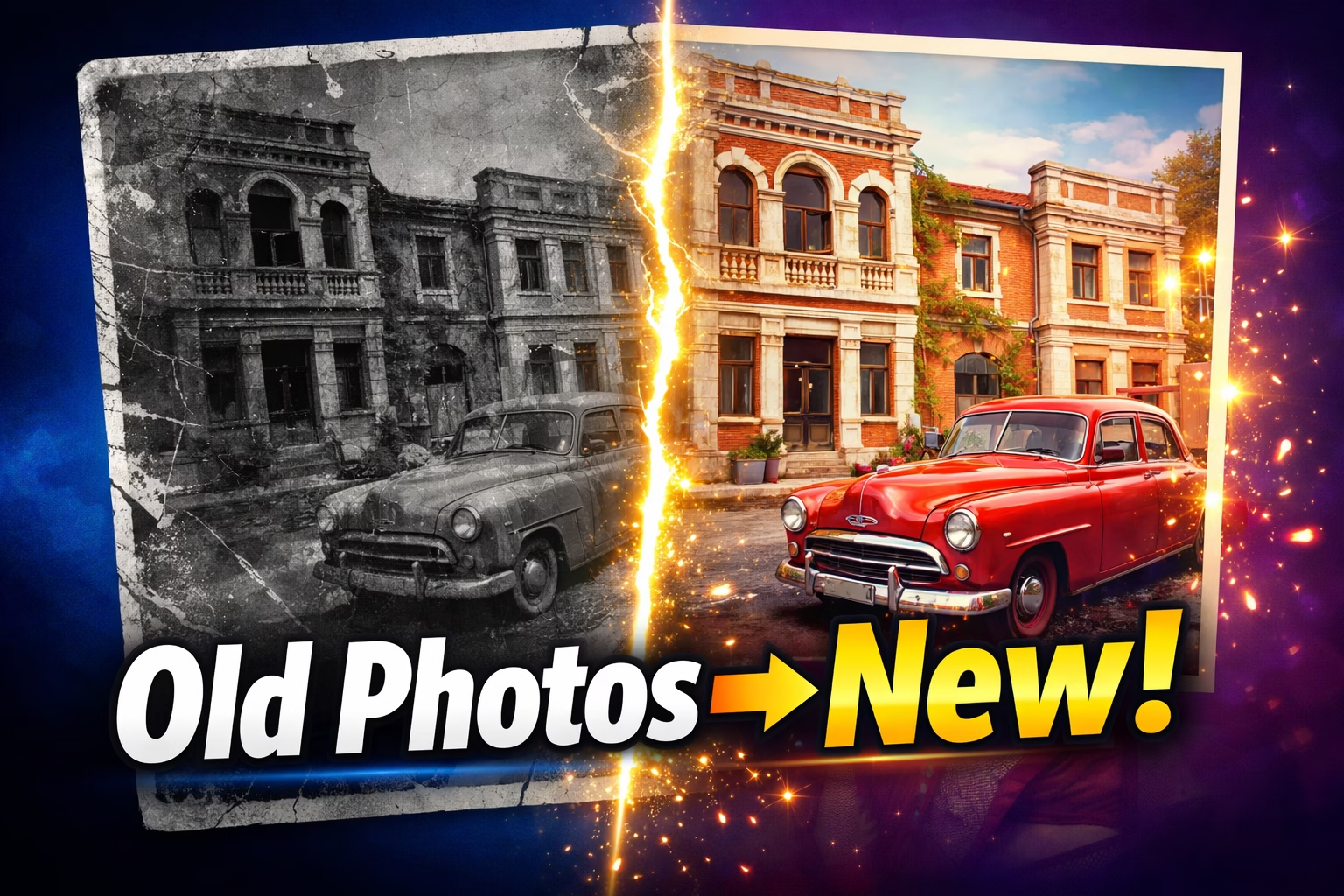
AI Photos Restore అంటే Artificial Intelligence వాడి పాత, Damaged Photos ని Automatically Repair చేయడం. మీరు Photo Upload చేస్తే AI తనే:
- Scratches తొలగిస్తుంది
- Faded Colors Restore చేస్తుంది
- Blurry Faces Sharp చేస్తుంది
- Tears మరియు Spots Remove చేస్తుంది
- Black & White Photos కి Color Add చేస్తుంది
- Low Resolution ని HD కి Upscale చేస్తుంది
గతంలో ఇది Professional Editors వద్దకు వెళ్ళి ₹2,000–5,000 వరకు ఖర్చు పెట్టాల్సొచ్చేది. ఇప్పుడు పూర్తిగా Free గా చేయవచ్చు!
Quick Overview — Best Free AI Photos Restore Tools!
| Tool | Type | 100% Free | Best For |
|---|---|---|---|
| Remini | 📱 Mobile App | ✅ | Face Restoration |
| YouCam Enhance | 📱 Mobile App | ✅ | Quick Mobile Restore |
| Google Photos | 📱 Mobile App | ✅ | Basic Enhancement |
| Pixelbin | 🌐 Website | ✅ | Scratch Repair |
| NoteGPT | 🌐 Website | ✅ | Batch Processing |
| AIEnhancer | 🌐 Website | ✅ | No Login కావాలి |
| Palette.fm | 🌐 Website | ✅ | Colorization |
📱 Part 1: Free Mobile Apps
Mobile App 1: Remini — Best Free App! ⭐
ఇది ఏమిటి?
Remini India లో అత్యంత Popular AI Photos Restore App. Face Restoration లో World Best — Blurry, Old Faces ని Crystal Clear గా మారుస్తుంది. Play Store లో 100 Million+ Downloads!
Free లో ఏమి వస్తుంది?
- రోజుకు కొన్ని Free Enhances ✅
- Face Enhancement ✅
- Basic Restoration ✅
- Watermark లేదు ✅
ఎలా వాడాలి?
Step 1: Play Store లో "Remini" Search చేయండి
Step 2: Install చేసి Open చేయండి
Step 3: "Enhance" Tab Select చేయండి
Step 4: పాత Photo Select చేయండి
Step 5: 10-20 Seconds Wait చేయండి
Step 6: Before/After చూసి Save చేయండి ✅
Best Results కి Tip:
High Resolution లో Scan చేసి Upload చేయండి — Sharp గా వస్తాయి!
Mobile App 2: YouCam Enhance — 100% Free! 📸
ఇది ఏమిటి?
YouCam Enhance Powerful Free Mobile App. Blurry Photos, Old Portraits అన్నీ Automatically Enhance చేస్తుంది.
Features — Free లో:
- AI Face Enhancement ✅
- Photo Unblur ✅
- Color Enhancement ✅
- Instant Results ✅
ఎలా వాడాలి?
Step 1: Play Store లో "YouCam Enhance" Download చేయండి
Step 2: Photo Select చేయండి
Step 3: "Enhance" Button Tap చేయండి
Step 4: Slider Adjust చేయండి
Step 5: Save చేయండి ✅
Mobile App 3: Google Photos — Phone లో Already ఉంది! 📷
ఇది ఏమిటి?
మీ Phone లో Already ఉన్న Google Photos లో Free AI Enhancement Feature ఉంది! Extra Install అవసరం లేదు.
Features — Free లో:
- Auto Enhance ✅
- Brightness & Contrast Fix ✅
- Color Correction ✅
- Magic Eraser — Unwanted Objects Remove ✅
- Unlimited Storage (Compressed) ✅
ఎలా వాడాలి?
Step 1: Google Photos Open చేయండి
Step 2: పాత Photo Select చేయండి
Step 3: Edit → Auto Enhance చేయండి
Step 4: Slider Adjust చేయండి
Step 5: Save Copy చేయండి ✅
🌐 Part 2: Free Website Tools
Website Tool 1: Pixelbin — Quick & Free! ⚡
ఇది ఏమిటి?
Pixelbin Browser-based Free Tool — ఏ Device లోనూ వాడవచ్చు. Photo Upload చేస్తే Automatically Scratches, Fading, Blur అన్నీ Repair చేస్తుంది.

Features — 100% Free:
- Scratch & Tear Removal ✅
- Color Restoration ✅
- Before/After Preview ✅
- No Login అవసరం లేదు ✅
ఎలా వాడాలి?
Step 1: pixelbin.io Open చేయండి
Step 2: "Old Photo Restoration" Click చేయండి
Step 3: Photo Upload చేయండి (Max 10MB)
Step 4: 30 Seconds లో Process అవుతుంది
Step 5: HD Quality లో Download చేయండి ✅
Website Tool 2: NoteGPT — Batch Processing Free! 🆓
ఇది ఏమిటి?
NoteGPT 100% Free Online Tool. Registration అక్కర్లేదు. Multiple Photos ఒకేసారి AI Photos Restore చేయవచ్చు!
Features — 100% Free:
- No Account అవసరం లేదు ✅
- Batch Processing — Multiple Photos ✅
- Scratches, Fading, Blur Fix ✅
- Fast Results ✅
ఎలా వాడాలి?
Step 1: notegpt.io/ai-photo-restoration తెరవండి
Step 2: Multiple Photos Upload చేయండి
Step 3: "Restore" Click చేయండి
Step 4: Download చేయండి ✅
Website Tool 3: AIEnhancer — No Login! 🔓
ఇది ఏమిటి?
AIEnhancer అత్యంత Simple Free Tool. Login అక్కర్లేదు — వెళ్ళి Upload చేస్తే చాలు!
Features — 100% Free:
- Zero Registration ✅
- Instant Processing ✅
- Privacy Safe — Auto Delete ✅
- Mobile Browser లో కూడా పని చేస్తుంది ✅
ఎలా వాడాలి?
Step 1: aienhancer.com Open చేయండి
Step 2: Photo Upload చేయండి
Step 3: Enhance Click చేయండి
Step 4: Download చేయండి ✅
Website Tool 4: MyHeritage — Face + Animation! 🎬
ఇది ఏమిటి?
MyHeritage Free Account తో 5 Photos Restore చేయవచ్చు. Faces Restore + Animate చేయడంలో World Best!
Special Feature — Photo Animation! 🎬
పాత Photo ని Alive చేయవచ్చు! మీ Grandparents Photo లో వారు కదులుతున్నట్టు కనిపిస్తారు — చాలా Emotional Feature!
ఎలా వాడాలి?
Step 1: myheritage.com కి వెళ్ళండి
Step 2: Free Account Create చేయండి
Step 3: Photo Upload చేయండి
Step 4: Enhance → Colorize → Animate చేయండి
Step 5: Download చేయండి ✅
Website Tool 5: Palette.fm — B&W కి Color! 🎨
ఇది ఏమిటి?
Black & White Photos కి Realistic Color Add చేయడానికి Best Free Website. AI Photos Restore తో పాటు Colorization కూడా ఇక్కడ Free గా చేయవచ్చు!
Features — 100% Free:
- Automatic AI Colorization ✅
- Multiple Color Styles ✅
- Realistic Natural Colors ✅
- No Registration ✅
ఎలా వాడాలి?
Step 1: palette.fm Open చేయండి
Step 2: B&W Photo Upload చేయండి
Step 3: Color Style Choose చేయండి
Step 4: Download చేయండి ✅
Pro Tip: Free Tools కలిపి వాడండి! 💡
Best Free AI Photos Restore Workflow:
Step 1: Pixelbin తో Scratch Repair (Website) 🌐
Step 2: Remini తో Face Enhancement (Mobile) 📱
Step 3: Palette.fm తో Color Add (Website) 🌐
Step 4: Final Result Download చేయండి 🎉
ఈ 3-Step Free Process వాడితే Professional Quality వస్తుంది — డబ్బు ఖర్చు లేదు!
Mobile App vs Website Tool
| 📱 Mobile Apps | 🌐 Website Tools | |
|---|---|---|
| Ease of Use | చాలా Easy | Easy |
| Quality | Excellent | Excellent |
| Best For | Face Restore | Scratch Repair |
| Batch Process | ❌ | ✅ |
| No Login | ❌ | ✅ (కొన్ని) |
| Offline | ❌ | ❌ |
Privacy గురించి 🔒
| Tool | Photos Delete అవుతాయా? |
|---|---|
| Pixelbin | ✅ Process తర్వాత Delete |
| NoteGPT | ✅ Privacy Safe |
| AIEnhancer | ✅ Auto Delete |
| Remini | ✅ Secure Servers |
| MyHeritage | ✅ Privacy Policy ఉంది |
Restored Photos తో చేయగలిగేవి ✨
1. WhatsApp Family Group లో Share చేయండి 2. Google Photos లో Digital Album తయారు చేయండి 3. Print చేసి Frame పెట్టండి 4. Birthday Gift గా ఇవ్వండి — Meaningful Gift! 5. CapCut తో Family Memory Video చేయండి
AI Photos Restore నా Final Verdict
AI Photos Restore ఇప్పుడు పూర్తిగా Free, Easy మరియు Professional గా చేయవచ్చు!
| మీ Need | Best Free Tool |
|---|---|
| Mobile లో Quick | Remini App 📱 |
| Website లో Scratch Fix | Pixelbin 🌐 |
| Multiple Photos ఒకేసారి | NoteGPT 🌐 |
| No Login కావాలంటే | AIEnhancer 🌐 |
| B&W కి Color | Palette.fm 🌐 |
| Face + Animation | MyHeritage 🌐 |
మీ పాత Family Photos ఇంట్లో ఉంటే — ఈరోజే AI Photos Restore చేయండి! Memories Preserve చేయడానికి ఇంతకంటే Better Time లేదు. 🙏
FAQs
Q1: AI Photos Restore చేయడం నిజంగా Free నా? అవును! Pixelbin, NoteGPT, AIEnhancer, Palette.fm అన్నీ 100% Free. Remini కి Daily Free Limit ఉంది.
Q2: Mobile లో Best Free App ఏది? Remini Best — Face Restoration లో Excellent Results వస్తాయి.

Q3: Website Tools కి Login అవసరమా? AIEnhancer, Pixelbin, Palette.fm కి Login అక్కర్లేదు.
Q4: B&W Photos కి Color Add కి Best Free Tool? Palette.fm — 100% Free, No Login, Realistic Colors.
Q5: Multiple Photos ఒకేసారి Restore చేయవచ్చా? అవును! NoteGPT లో Batch Processing 100% Free.
Q6: Phone Camera తో Scan చేసిన Photos Restore అవుతాయా? అవుతాయి! Microsoft Lens App (Free) వాడితే Better Scan వస్తుంది.
Q7: Family Photos Safe గా ఉంటాయా? అవును! అన్ని Tools Process తర్వాత Photos Automatically Delete చేస్తాయి.
Free Tools Links
- 📱 Remini → Play Store లో Search చేయండి
- 📱 YouCam Enhance → Play Store లో Search చేయండి
- 📱 Google Photos → Phone లో Already ఉంది
- 🌐 Pixelbin → pixelbin.io
- 🌐 NoteGPT → notegpt.io/ai-photo-restoration
- 🌐 AIEnhancer → aienhancer.com
- 🌐 Palette.fm → palette.fm
- మరింత Telugu Tech Tips → TeluguTech.io
ఈ Article మీ Family Members తో Share చేయండి! 😊
TeluguTech.io — తెలుగు లో Tech అర్థం చేసుకోవడానికి మీ Trusted Source! 🙏